
Crop it, compress it, annotate it, gallop. Free in your browser. No account.
Nothing leaves your tab by accident.
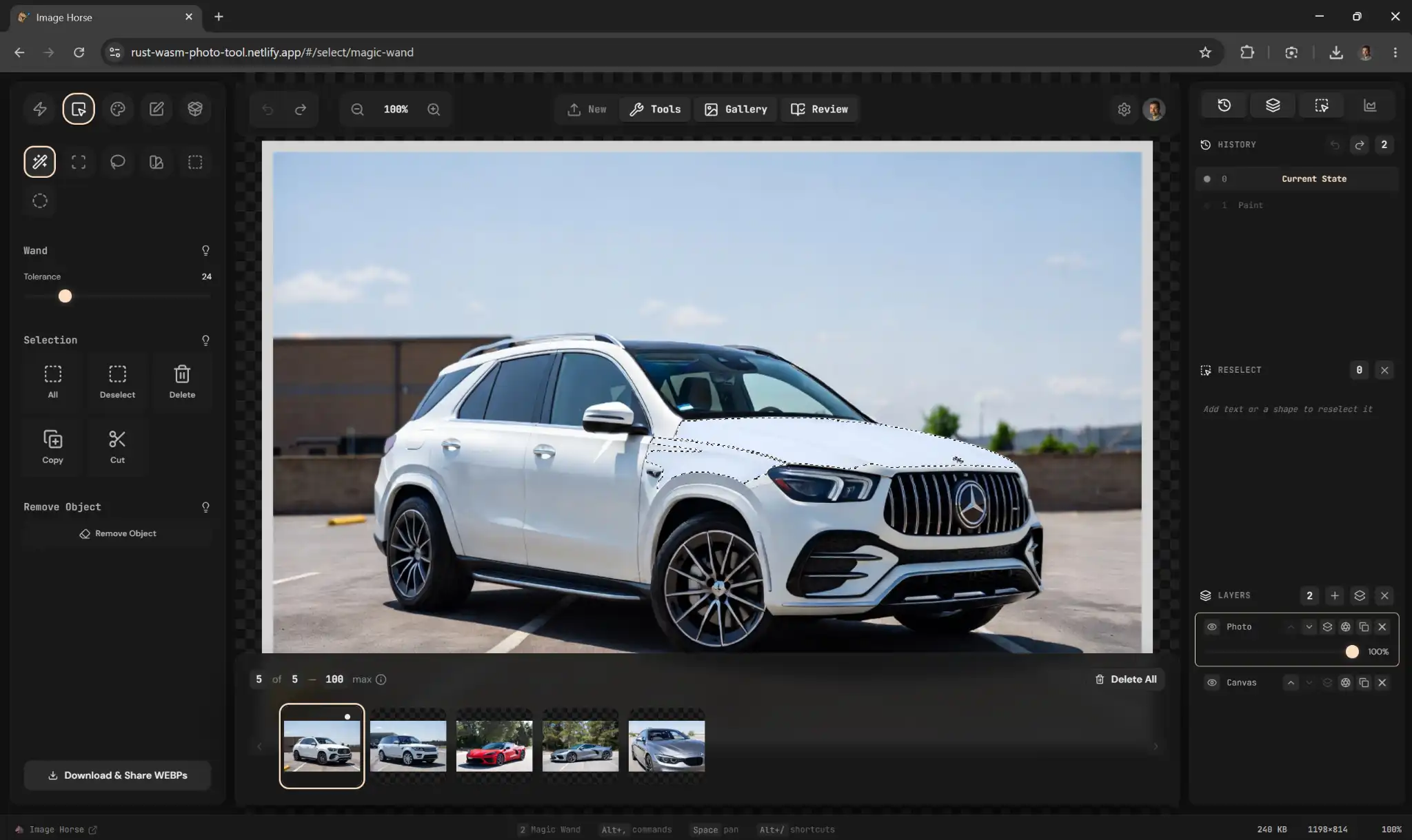
Image Horse is a Rust engine compiled to WebAssembly. Editing happens on your own CPU, in the page, on every tier — including the free demo. Some things do reach a server. This table is where we say exactly which, so the choice is yours to make rather than ours to bury.
| Operation | Runs on | Detail |
|---|---|---|
| Crop, filters, transforms | Your machine | Rust → WASM, SIMD128 kernels |
| Layers, annotations, Bézier pen | Your machine | Real layer stacks, per-layer opacity |
| Encode PNG · JPEG · WebP · AVIF | Your machine | Resize and re-compress in one round-trip |
| Originals and edit history | Your machine | IndexedDB, undo to 1000 steps |
| Camera metadata | Your machine | Keep it, strip it, or drop GPS only |
| Background removal, object removal, OCR | Server, signed in | rembg · LaMa · Convex → Replicate |
| Cloud sync and share links | Server, signed in | Optional — the demo never uploads |
The engine is roughly 310 KB gzipped. That is the whole download, and after it lands the tab does the work.
In the editor
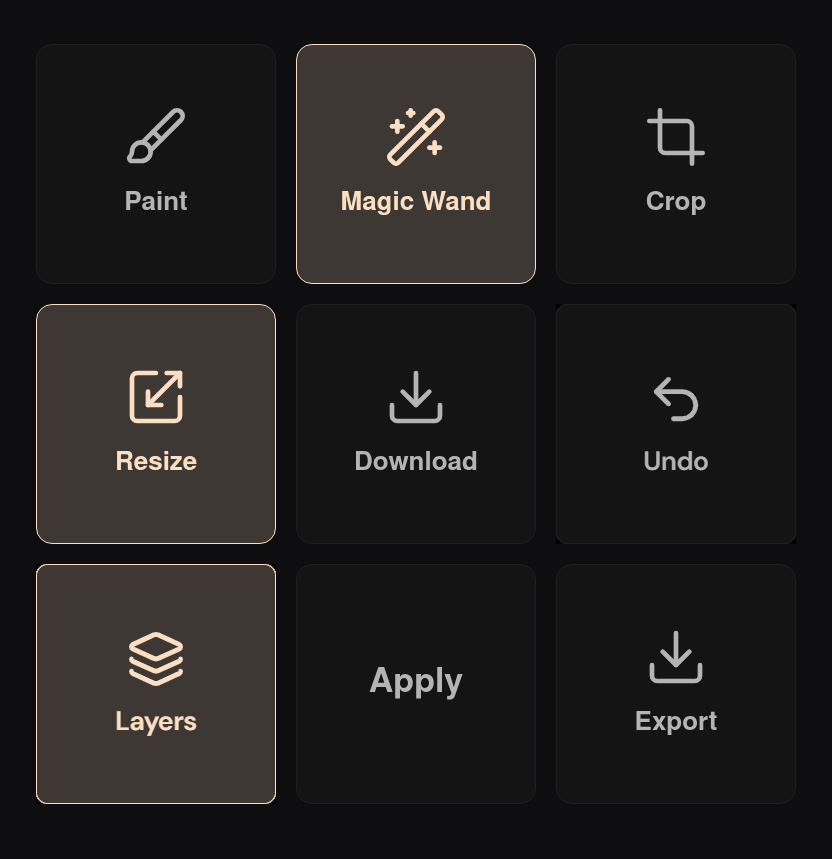
Brightness · Contrast · Blur · Crop · Align · Magic-wand select · Live histogram · Stroke stabilizer · Rectangles · Ellipses · Arrows · Bézier pen with fill · Callout pins · Text with drop shadows · Emoji · Blur, pixelate and black-box redaction · Layer masks · Eraser · Rulers and grids · Batch logo stamping · Grid mosaic gallery · OpenRaster export · Light, dark and system themes
Everything above is free and local. Sign in only when you want persistence, share links, or the AI passes — and the padlock in the UI tells you which is which before you click.
Open an image. No account, no upload.
Once it loads, the network is optional. Drop your connection mid-edit and nothing stops — none of the work was leaving this machine anyway. The editing happens in this tab, not on a server, so there is nothing to be slow and nothing to go down.